ArgoCD is straightforward to install and get working in a development environment. Running it reliably in production at enterprise scale — with dozens of applications, multiple clusters, and hundreds of engineers making changes — requires deliberate architectural decisions that most documentation does not cover.
Application structure: App of Apps
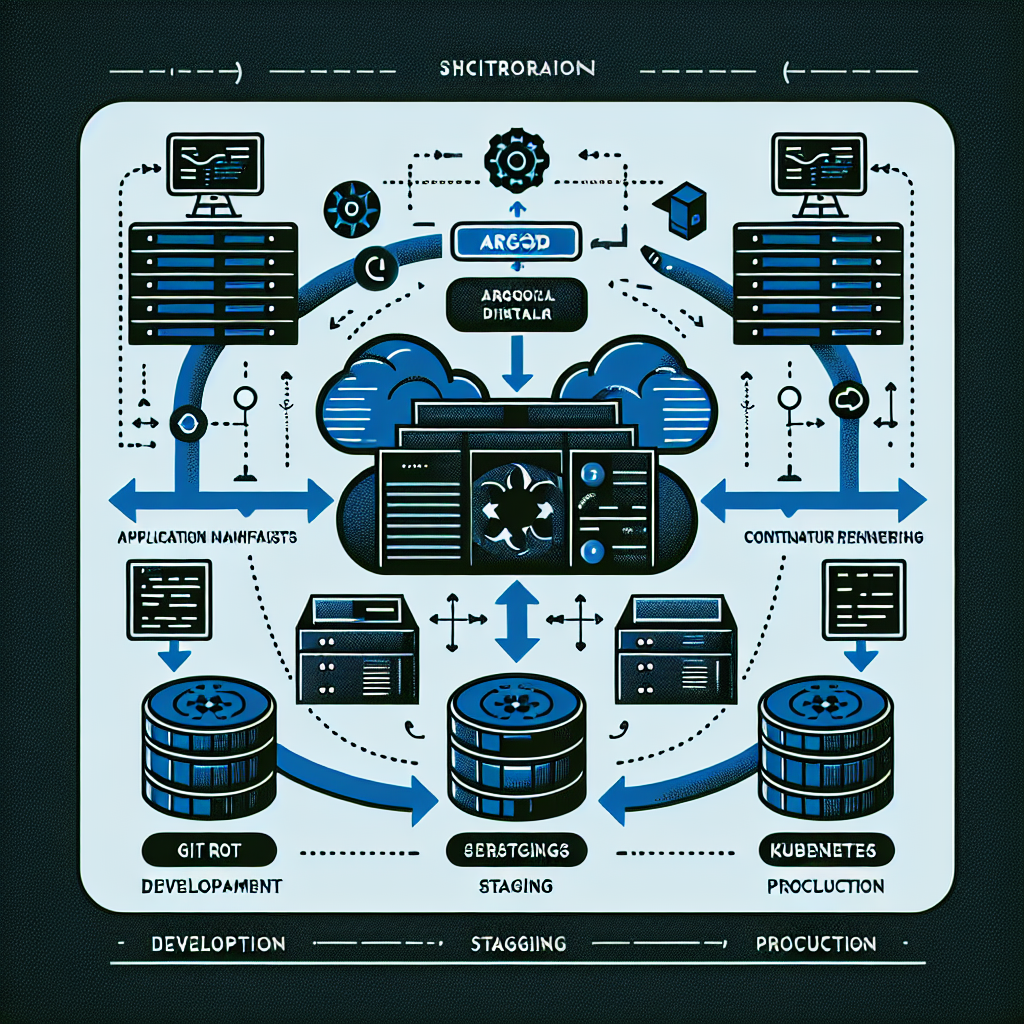
The App of Apps pattern is the standard approach for managing multiple ArgoCD applications at scale. Instead of creating each Application resource manually, a single root application manages a directory of Application manifests in Git. New applications are onboarded by adding a manifest to the repository — no manual ArgoCD configuration required.
The alternative — ApplicationSets — provides even more flexibility for dynamically generating Application resources from templates. ApplicationSets are particularly useful for multi-cluster deployments where the same application needs to be deployed across many clusters with environment-specific configuration.
Multi-cluster architecture
In enterprise environments, ArgoCD typically manages multiple clusters — development, staging, production, and potentially regional clusters. The recommended pattern is a dedicated management cluster running ArgoCD, with workload clusters registered as targets. This separates the ArgoCD control plane from the workloads it deploys, preventing a workload failure from affecting deployment capabilities.
Cluster credentials should be managed through a secrets manager — AWS Secrets Manager or HashiCorp Vault — with the External Secrets Operator synchronising credentials into the ArgoCD namespace. Rotating cluster credentials without downtime requires this pattern; hardcoded credentials in Kubernetes secrets are a liability at scale.
RBAC and multi-tenancy
ArgoCD’s RBAC model controls who can view, sync, and manage applications. In a multi-team environment, each team should have access to their own applications and namespaces, with view-only access to shared platform components. RBAC policies should be defined in Git alongside application manifests and applied through the App of Apps root application — not configured manually in the ArgoCD UI.
Sync policies and automation
The tension in ArgoCD configuration is between automated sync — where ArgoCD applies changes as soon as they appear in Git — and manual sync, where a human must approve each deployment. Automated sync with self-healing is appropriate for non-production environments where rapid iteration is valuable. Production deployments typically benefit from automated sync with a manual approval gate for the final promotion step.
Sync waves allow you to control the order of resource deployment within an application — ensuring CRDs are applied before resources that depend on them, or that database migrations complete before application pods are rolled out. Getting sync wave ordering right prevents the class of deployment failures caused by resource dependency ordering issues.
Operational lessons from production
Three lessons from running ArgoCD in production at enterprise scale. First, resource hook timeouts must be configured explicitly — the default timeout for PreSync and PostSync hooks is generous enough to mask hanging operations that should fail fast. Second, application health checks must be customised for custom resources — ArgoCD cannot determine the health of a CRD-based resource without a Lua health check script. Third, the ArgoCD UI is valuable for visibility but should never be the primary interface for operations — everything must be reproducible through Git and CLI.